 Github Stars:
 Last Commit:
  Created:



Overview
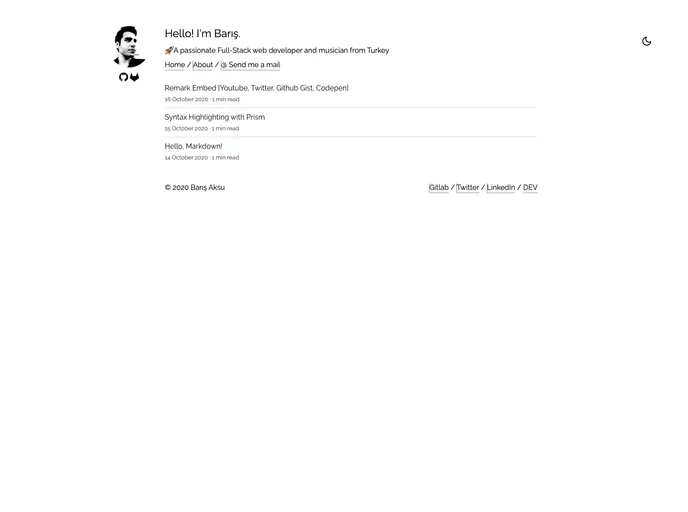
This is a product analysis of a devBFull-stack developer blog starter with Gridsome ❤️ TailwindCSS. This starter project provides a pre-configured setup for creating a developer blog using Gridsome and TailwindCSS. It aims to streamline the process of setting up a blog for full-stack developers, allowing them to focus on content creation rather than setting up the technical infrastructure.
Features
- Gridsome: The project leverages Gridsome, a static site generator built with Vue.js. This enables fast and efficient generation of static HTML files, resulting in improved performance and SEO.
- TailwindCSS: The starter project incorporates TailwindCSS, a utility-first CSS framework. With TailwindCSS, developers can easily style their blog using pre-defined utility classes, minimizing the need for custom CSS.
- Easy Installation: The starter project provides clear instructions on how to copy the repository and install the required packages. This allows developers to quickly get started with their blog setup.
Installation
To install the devBFull-stack developer blog starter with Gridsome ❤️ TailwindCSS, follow these steps:
- Copy the repository to your local machine.
- Install the required packages by running the appropriate command.
- Start a local development server at http://localhost:8080 to preview your blog.
Here is an example code snippet for installing the required packages:
npm install
Summary
The devBFull-stack developer blog starter with Gridsome ❤️ TailwindCSS is an efficient solution for full-stack developers looking to set up their own blog. With the integration of Gridsome and TailwindCSS, developers can benefit from the performance and styling advantages of these technologies. The easy installation process further simplifies the initial setup, allowing developers to focus on creating valuable content for their blog.